Welcome to my portfolio
Learning something new everyday!
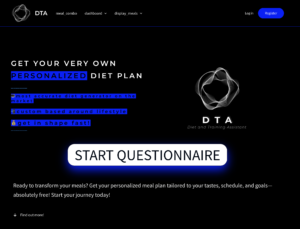
DTA – Intelligent Nutrition Platform
Django | React | PostgreSQL | REST API | AI
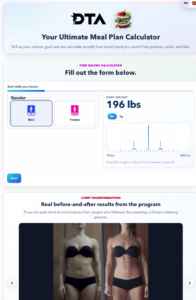
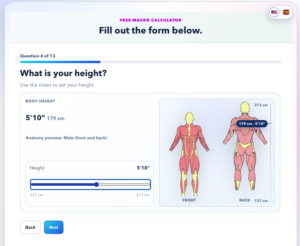
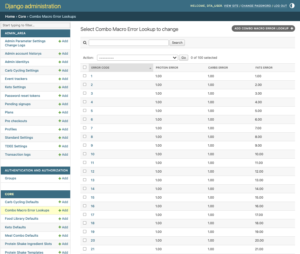
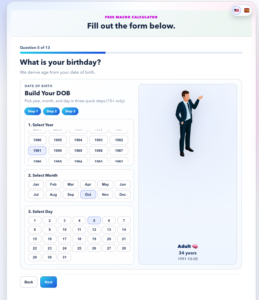
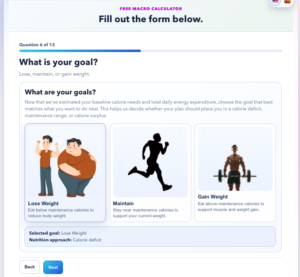
DTA is a next-generation nutrition platform designed to generate highly personalized meal plans by combining user preferences, nutritional science, and intelligent optimization algorithms. Built with Django, React, and PostgreSQL, the platform is being engineered with scalability, automation, and AI integration at its core.
What began as a successful WordPress proof of concept has evolved into a complete software platform featuring a modern REST API architecture, role-based authentication, advanced nutrition algorithms, and a flexible data model designed to support future machine learning capabilities. The long-term vision is to deliver one of the most intelligent and adaptable nutrition planning systems available.
Enterprise Access Request Management Platform
AngularJS | PHP | MySQL | REST API | Role-Based Workflow
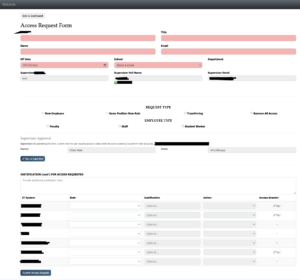
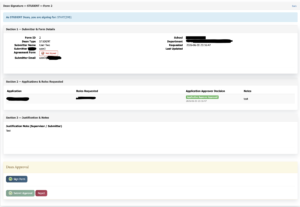
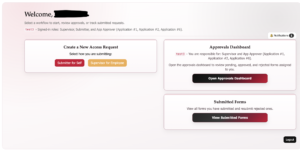
Designed and developed an enterprise workflow platform that digitizes and automates employee access requests across multiple departments. The application replaces manual paper-based processes with a secure, role-based approval system, streamlining request tracking, approvals, notifications, and audit history through a centralized web application.
Built using PHP, MySQL, and a local MAMP development environment, the platform features multi-stage approval workflows, role-based permissions, email notifications, digital agreements, PDF generation, audit logging, and performance optimizations. The project continues to evolve through API optimization, caching strategies, and user experience improvements while supporting production users in a real-world enterprise environment.
Enterprise Access Request Management System
Designed and developed an enterprise workflow platform that digitizes and automates employee access requests across multiple departments. The application replaces manual paper-based processes with a secure, role-based approval system, streamlining request tracking, approvals, notifications, and audit history through a centralized web application.
Built using PHP, MySQL, and a local MAMP development environment, the platform features multi-stage approval workflows, role-based permissions, email notifications, digital agreements, PDF generation, audit logging, and performance optimizations. The project continues to evolve through API optimization, caching strategies, and user experience improvements while supporting production users in a real-world enterprise environment.
#1 Diet Generator
This is truly one-of-a-kind on the market—no tool, not even ChatGPT, can deliver a diet plan with the level of accuracy that this one does.
Want to give it a try? Contact me for a free custom diet plan! ***Disclaimer: The live website link below serves as both the live site and the development environment. For the best experience, please reach out before testing it!

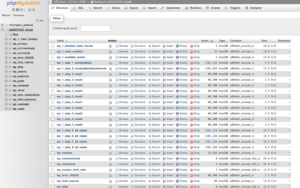
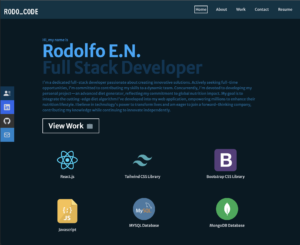
This portfolio showcases my work from the Rutgers Coding Bootcamp, with a strong focus on the MERN stack. Built using React.js, it includes apps utilizing APIs, MySQL/MongoDB, and several eCommerce websites developed entirely from scratch.
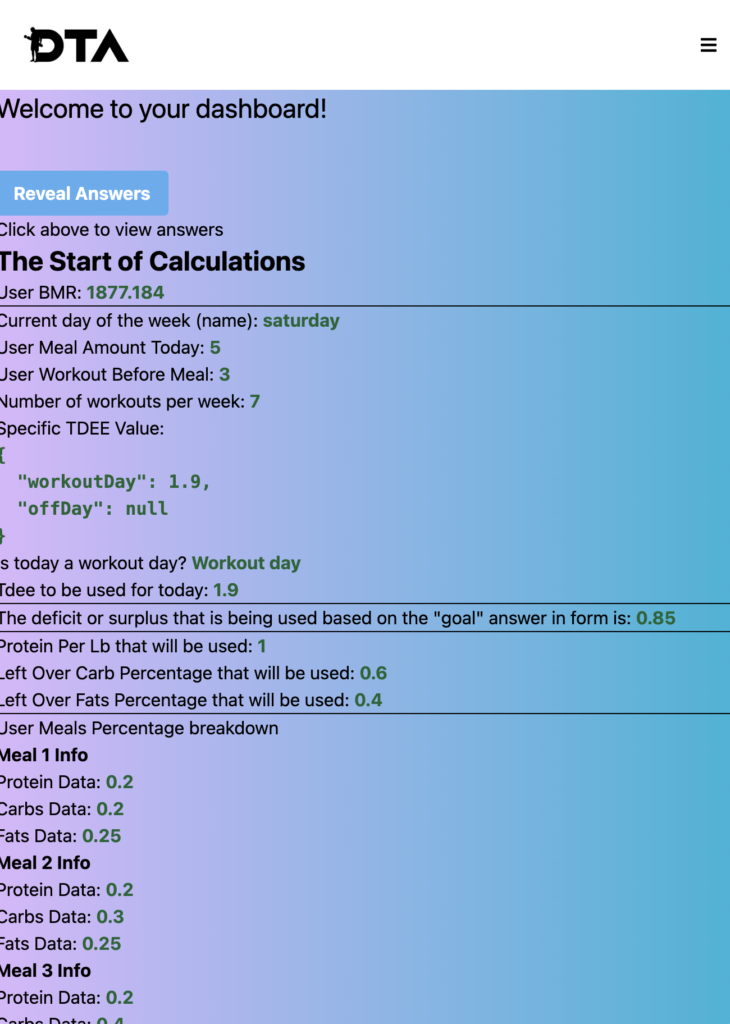
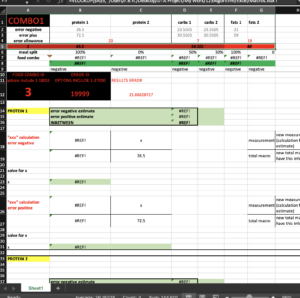
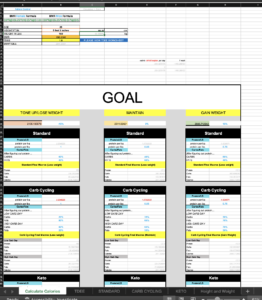
This is my Diet Generator Calculator, created with React.js shortly after completing my bootcamp. It runs locally and was built using Vite for optimized development and performance.
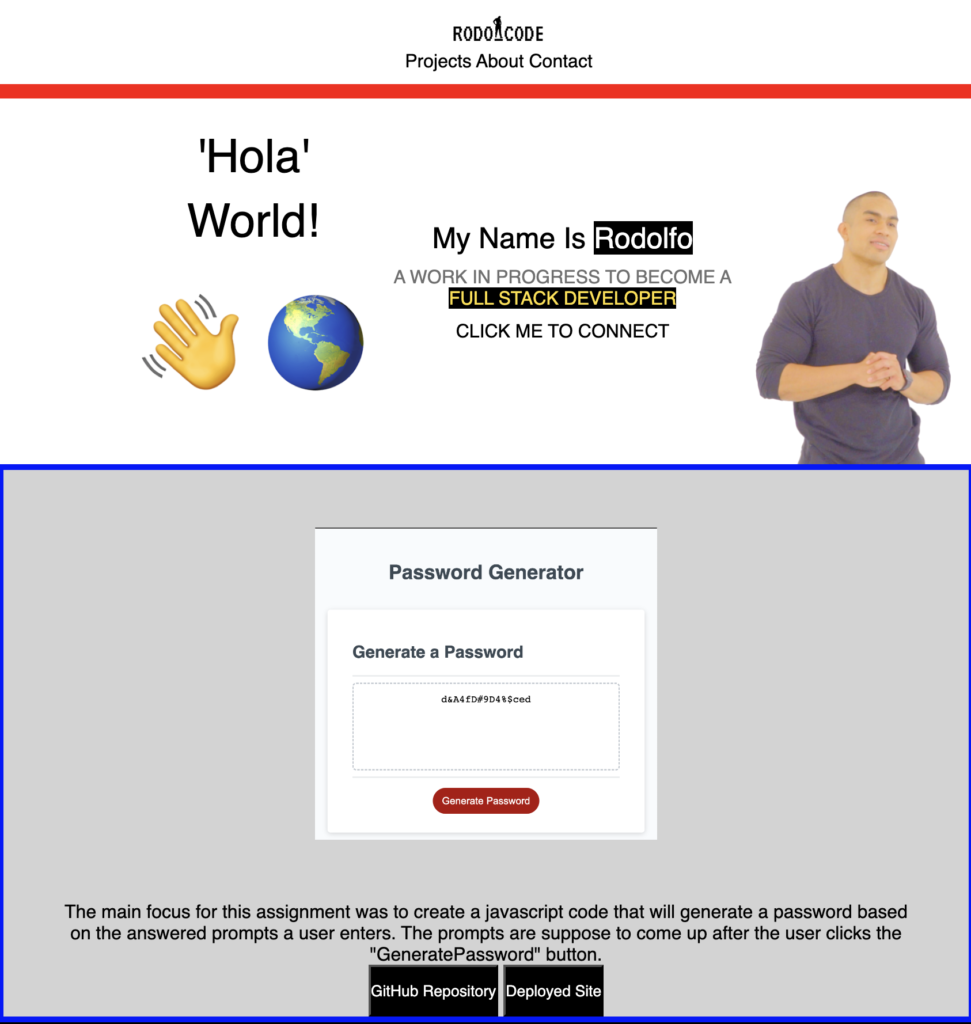
This is one of my first portfolios, crafted using only HTML and CSS.
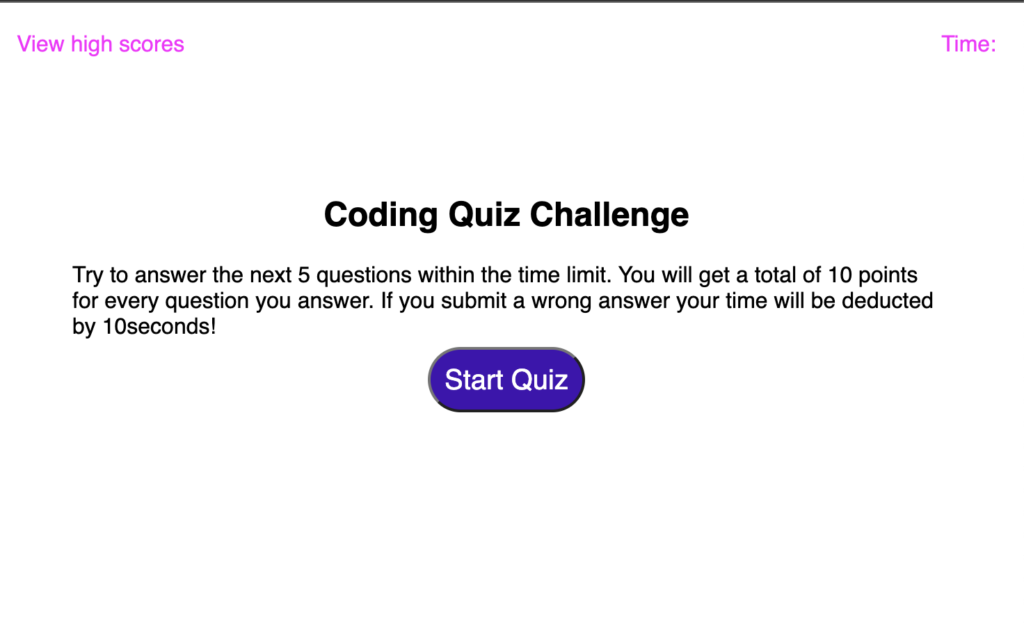
This quiz was built from scratch using JavaScript and leverages local storage for data management. The goal was to replicate the provided mockup accurately. When the ‘Start Quiz’ button is clicked, a timer appears at the top right corner. For every incorrect answer, 10 seconds are deducted, while correct answers increase the user’s score. If the timer runs out before the quiz is completed, it ends automatically. At the end of the quiz, users can enter their initials to submit their score, which is saved in local storage and displayed in a list. Additionally, the quiz features ‘Go Back’ and ‘Clear High Scores’ buttons for user convenience.
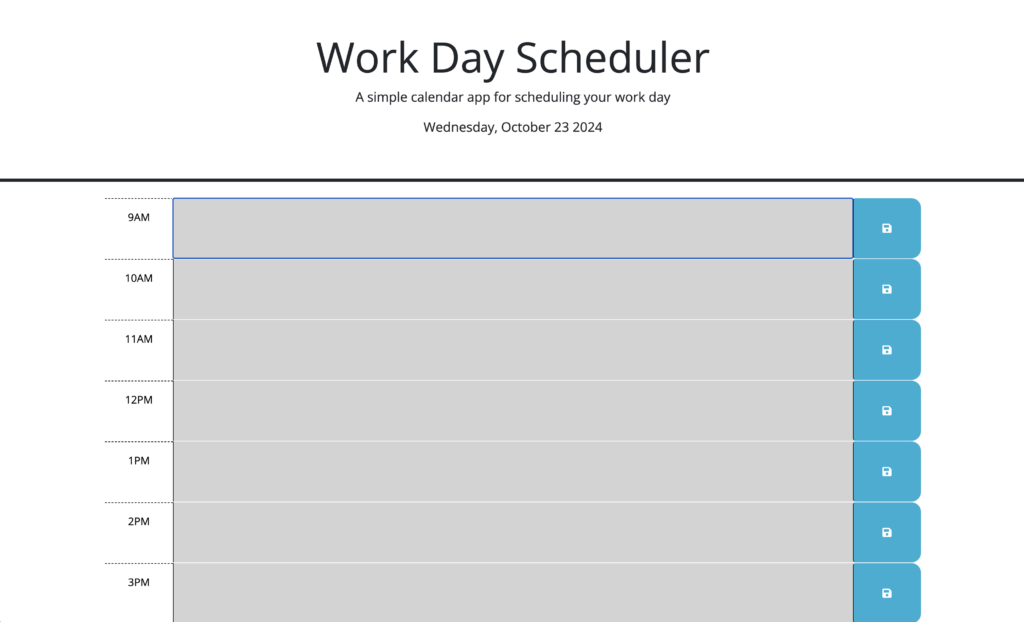
This project was built using JavaScript and local storage. Starting with provided code, the objective was to implement logic using DayJS to set the background color of each time section based on whether it is in the past, present, or future. Additionally, local storage was used to allow users to input events in specific time slots, ensuring that the information persists even after a page reload using localStorage.getItem. Users can also change or update events. The current day is displayed at the top, just below the title.
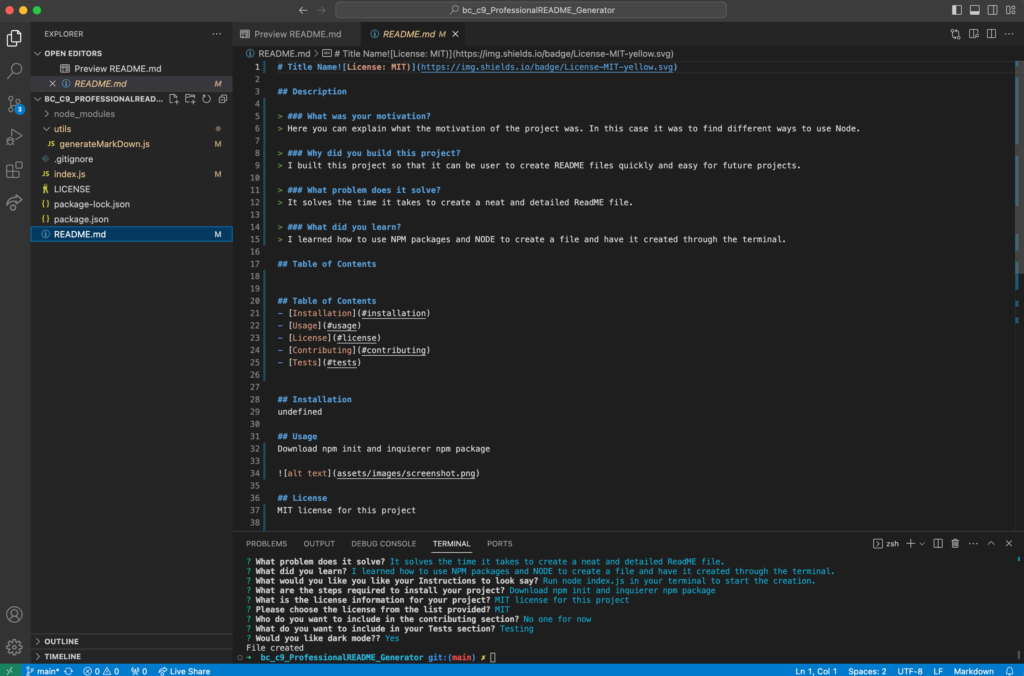
The motivation behind this project was to learn how to use Node and create files effectively. I built this project to develop a README generator tool that can quickly organize and produce a professional layout for README files. This tool solves the problem of streamlining the creation process, making it quick and easy to generate a well-structured README. Throughout the project, I learned how to use Node and download npm packages, such as Inquirer, and successfully integrate them into the project.
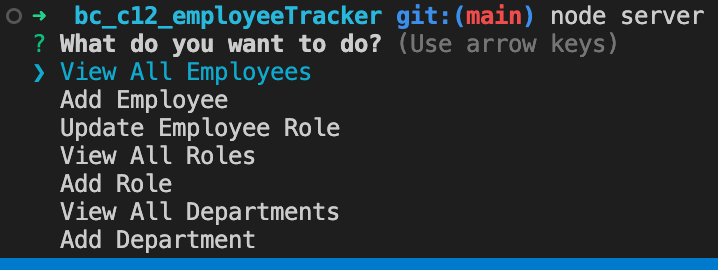
The motivation behind this project was to learn how to effectively use SQL tables. I built this project to prepare for building CRM systems, focusing on database management. The project simplifies the processes of creating, viewing, updating, and deleting employee records within a database. Throughout the project, I learned how to interact with MySQL using JavaScript and how to utilize Inquirer for executing SQL commands.
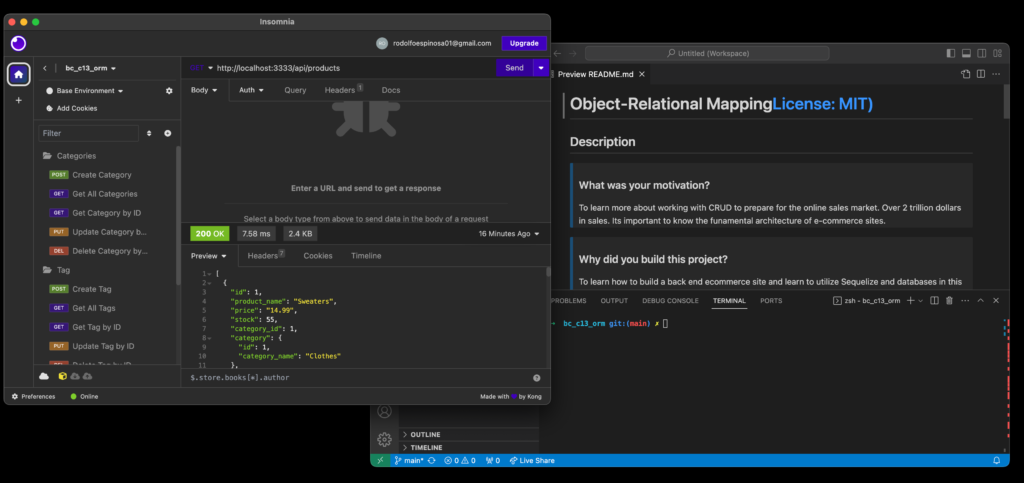
This project was built to gain hands-on experience in developing a back-end e-commerce site, utilizing Sequelize and MySQL databases. It addresses the challenge of understanding the back-end connections necessary to create a fully functional CRUD application. Throughout this project, I enhanced my skills with Sequelize for generating SQL databases and learned how to implement Models for table creation. This foundational knowledge is crucial for working within the architecture of e-commerce platforms.
This project was created to learn how to use MongoDB with Mongoose and Insomnia, specifically focusing on implementing CRUD routes. The goal was to understand how to create, manage, and test routes using MongoDB. This project allows developers to build and verify CRUD functionality through Insomnia, ensuring the routes operate correctly. Throughout the process, I gained hands-on experience with MongoDB, Mongoose, and Express, effectively using these tools and npm packages to handle data operations and route management.
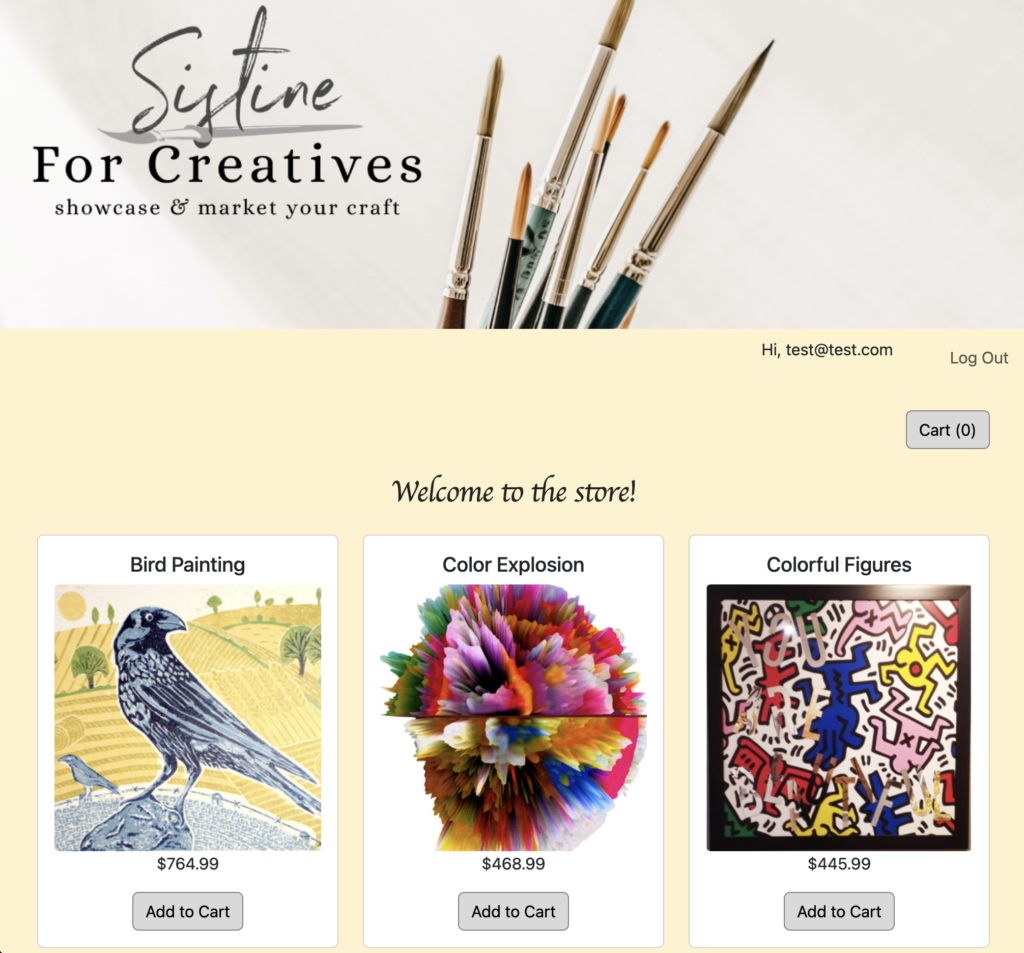
I built an e-commerce store from scratch, integrating Stripe for payment processing and using Mongoose for database management. The site was developed with Bootstrap for responsive design, along with JavaScript and Axios to handle client-server communication. This project delivers a fully functional online store, complete with a secure checkout process and a streamlined user interface.
This is a basic web app built with Python using the Flask framework, designed to run on your local server for testing and development purposes.

I built this webpage using only HTML and CSS, utilizing Flexbox to ensure a responsive design for mobile devices. I chose Flexbox as it provided the most effective solution for achieving a flexible and adaptable layout.
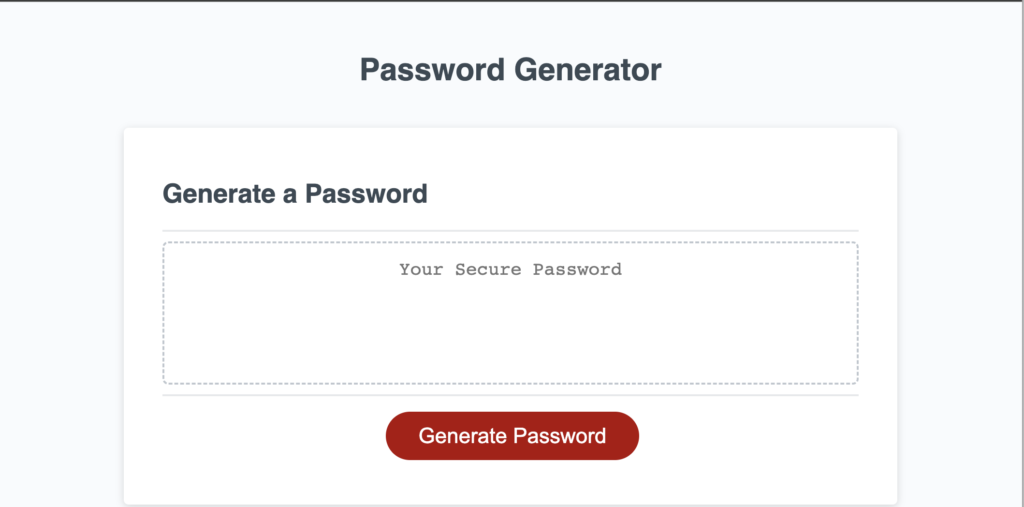
The primary goal of this project was to create a JavaScript code that generates a password based on the user’s input. Prompts appear after the user clicks the ‘Generate Password’ button.
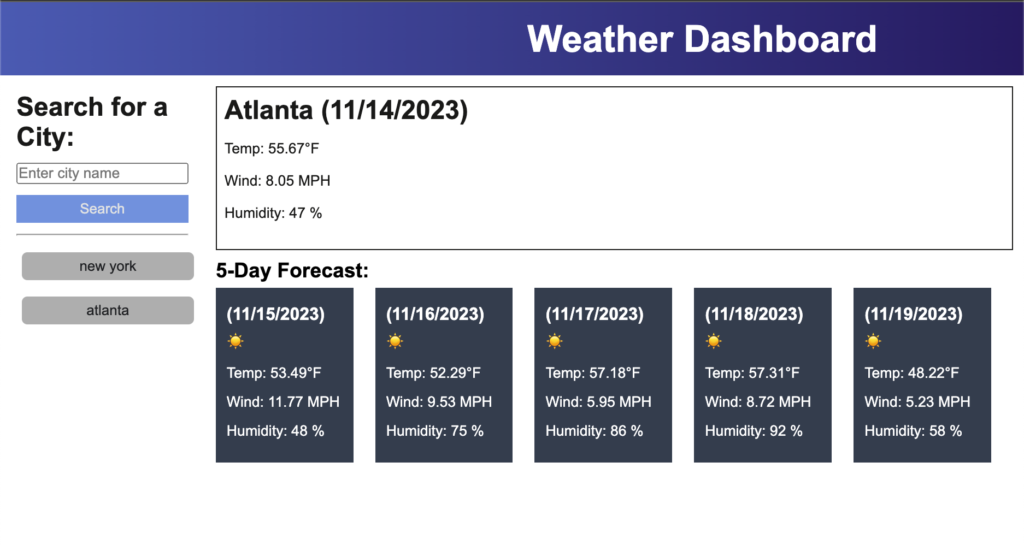
This weather dashboard utilizes the OpenWeatherMap API to display current weather conditions and a 5-day forecast. The dashboard includes a search bar that saves the history of previously searched city names, allowing for quick access to past weather data.
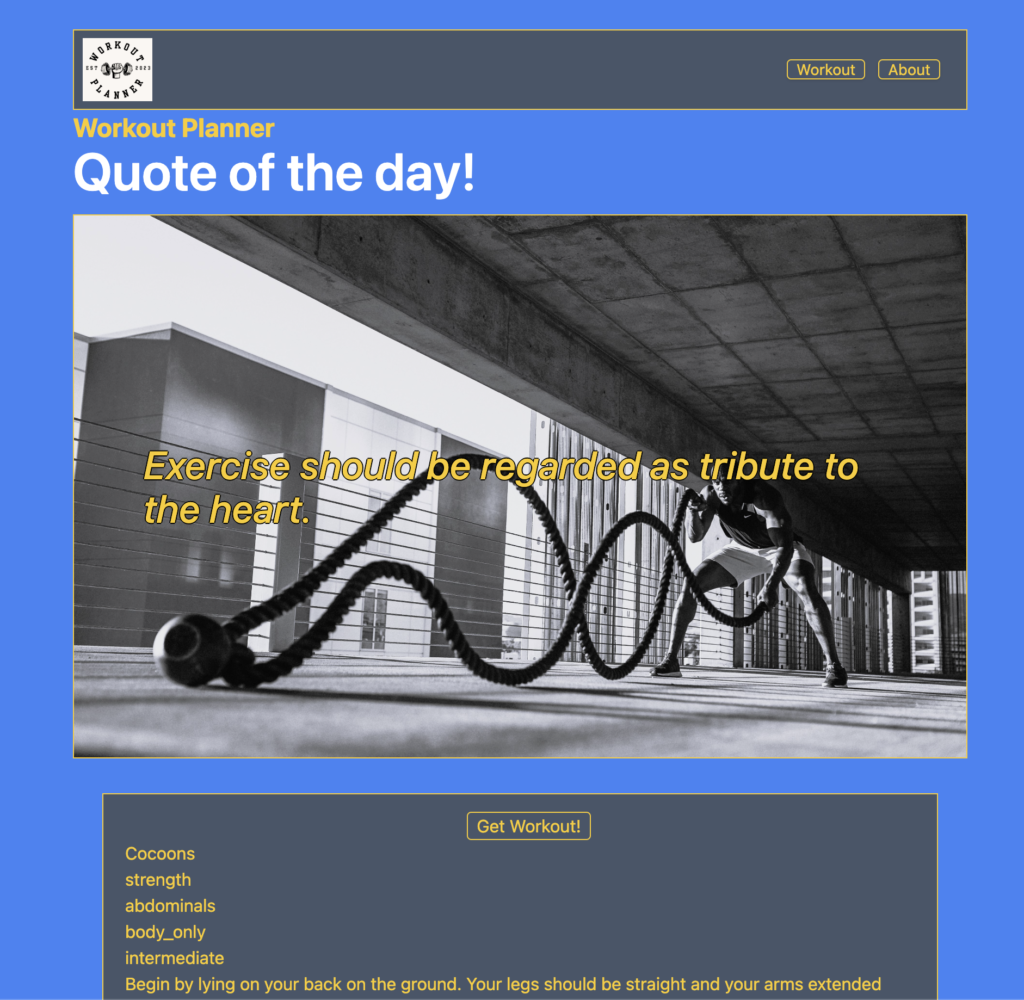
This project utilized APIs, JavaScript, HTML, and CSS (with Tailwind). The planner is designed to quickly provide a random workout for your core, upper body, or lower body, while also saving the last workout completed for each body section.
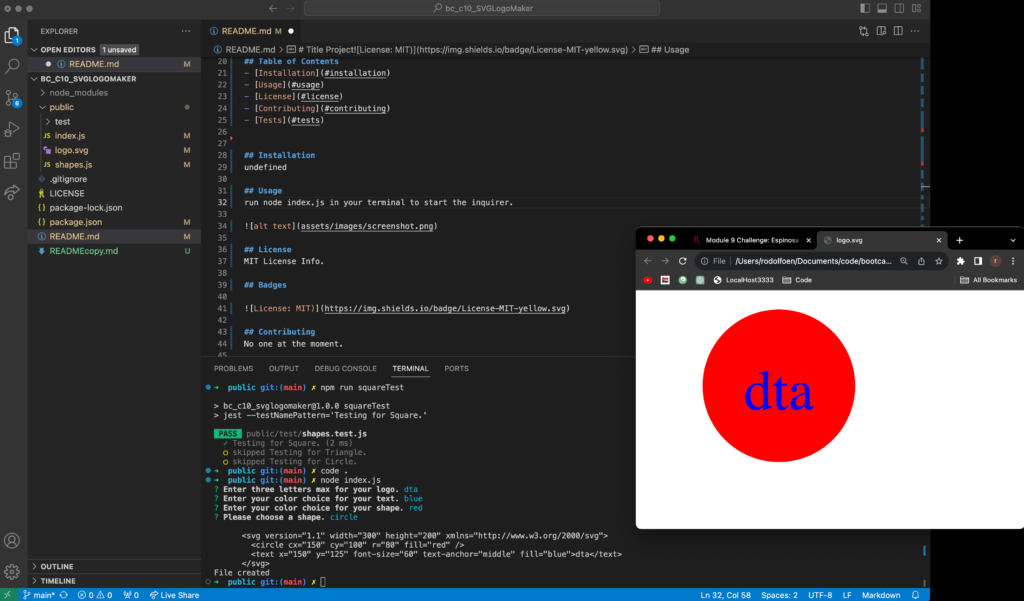
The motivation for this project was to deepen my understanding of Node.js by implementing new concepts. We built this project to learn how to create files, work with class constructors, utilize npm packages, and adopt new best practices with Node.js. The project addresses the need for a simple tool to create SVG files with customizable text, text color, and a choice of three different shapes and their colors. Throughout the development process, we gained experience in file creation, using classes, leveraging npm packages, and understanding what a standard test setup looks like.
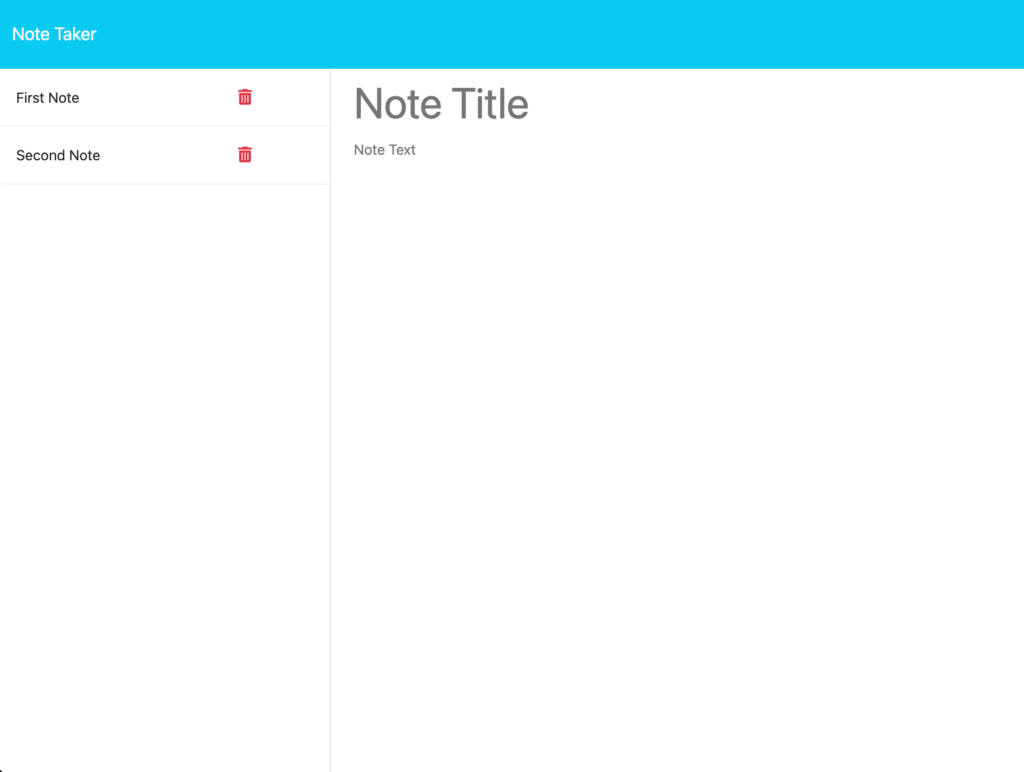
The motivation for this project was to gain a better understanding of API GET and POST requests, as well as to explore routing concepts in greater depth. We built this project to learn how to interact with JSON files through a server. The project addresses the need to view and store notes efficiently, while also enhancing my understanding of server functionality. Throughout this experience, I learned the significance of GET and POST requests and how to set up the appropriate routes for handling them.
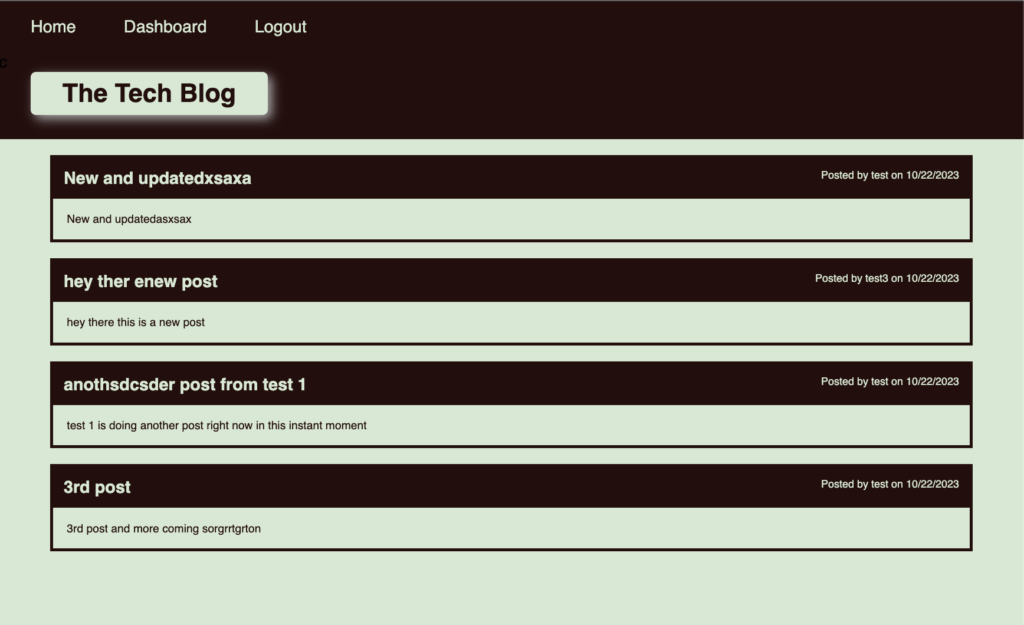
This project was an opportunity to build a full web stack application, utilizing a variety of routes and incorporating essential tools and packages. It was developed to gain experience with express-sessions, handlebars, and several other npm packages such as bcrypt, dayjs, dotenv, express, express-handlebars, express-session, mysql2, and sequelize. The project solves the challenge of creating a complete web application with full CRUD functionality. Through this experience, I learned how to set up an MVC (Model-View-Controller) structure in an Express/Node environment, covering all the necessary steps to build a fully functioning app.
Ready to connect? Call, Email, or even Text me!
973-943-0234
rodolfoespinosa01@gmail.com